 Commy
Settings and accessibility
Open Settings with the gear at the top right of the window. The list on the left groups the pages, and each page opens with a one-line note on what it is for.
| Group | Pages |
|---|---|
| You | Profile, Commy Account, Privacy & Safety |
| Voice & Video | Voice, Camera, Game Overlay |
| Alerts & Sounds | Notifications, Sounds, Text-to-Speech |
| App | Appearance, Accessibility, Keybinds, Integrations |
| Advanced | Storage, Startup & Updates, Diagnostics |
Search settings at the top of the list finds any setting by name or by what it does. Pick a result and Commy opens that page and outlines the setting.
Profile is covered in Profile, status and presence, Notifications, Sounds and Text-to-Speech in Notifications and sounds, and Commy Account in Your account and devices. Game Overlay and Startup & Updates are in Desktop extras.
Voice
Pick your microphone and speakers, set the input and output volume, and choose how your mic opens.
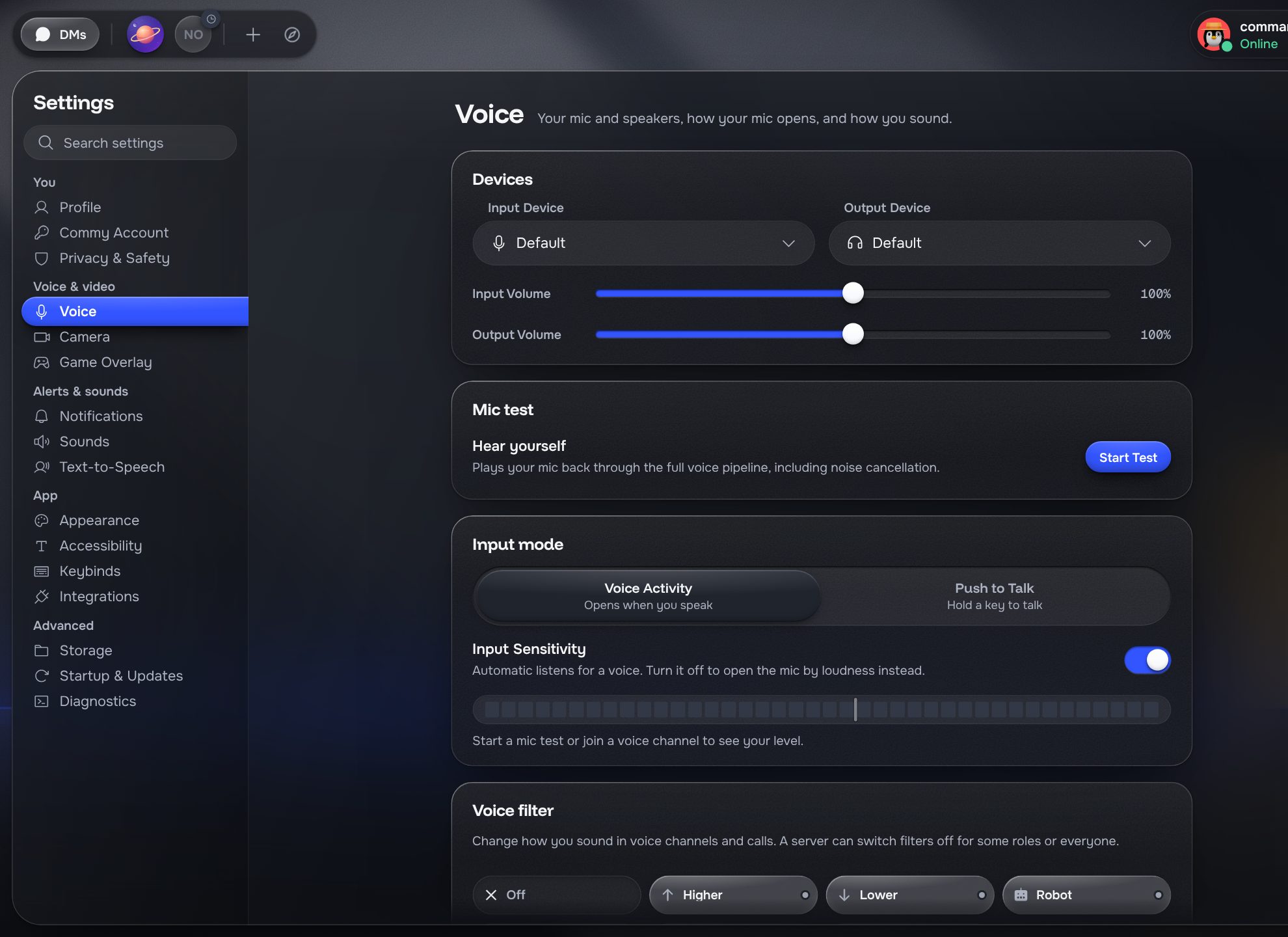
- Mic Test plays your own voice back through the full voice pipeline, including noise cancellation and your voice filter.
- Input Mode is Voice Activity, where the mic opens when you speak, or Push to Talk, where you hold a key.
- Voice Filter changes how you sound, see Voice and calls.
- Voice Processing has the Noise Cancellation, Echo Cancellation and Automatic Mic Level switches. If your headset also removes noise, turn one of the two off, because stacking them can cause hiss.
- Connection has Wait for a steady connection before joining voice, on by default, see Voice and calls.
- Idle sets Go AFK after, when you show as Idle and move to the server's AFK channel.
Camera
Choose a camera, a background (Off, Blur or Image) and an avatar, and Mirror my video. Effects run on your device and the preview shows what the call sees. Streaming holds the switches that let viewers draw on your streams, see Screen and game sharing.
Appearance
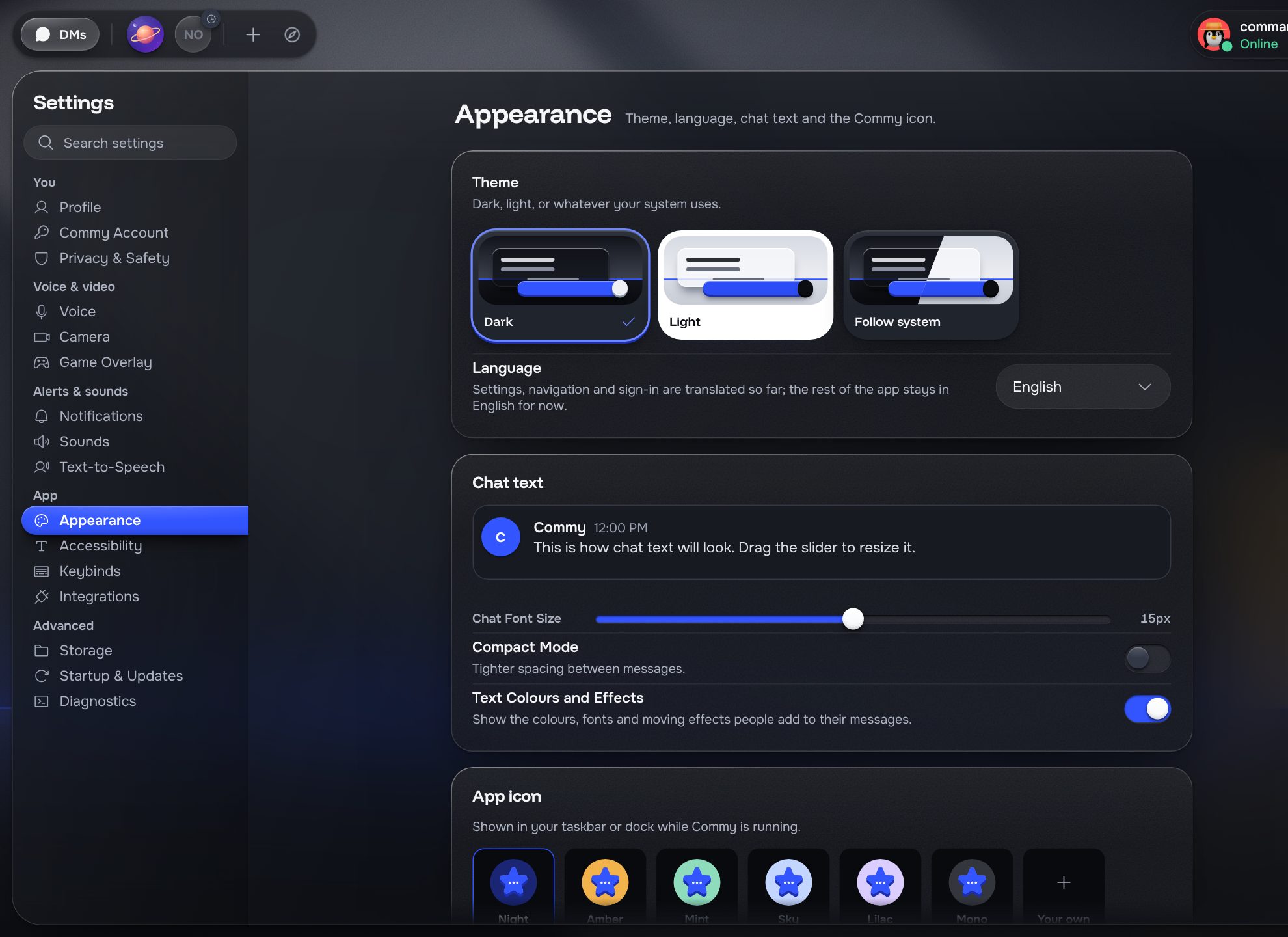
- Theme is Dark, Light or Follow system.
- Language is English or Español. Settings, navigation and sign in are translated so far, and the rest stays in English for now.
- Chat Font Size resizes message text with a slider, and Compact Mode tightens the spacing between messages.
- Text Colours and Effects shows the colours, fonts and moving effects people add to their messages. Turn it off to see every message plain.
- On the desktop, App Icon and Tray Icon choose the icon in your taskbar or dock and in the tray.
Accessibility
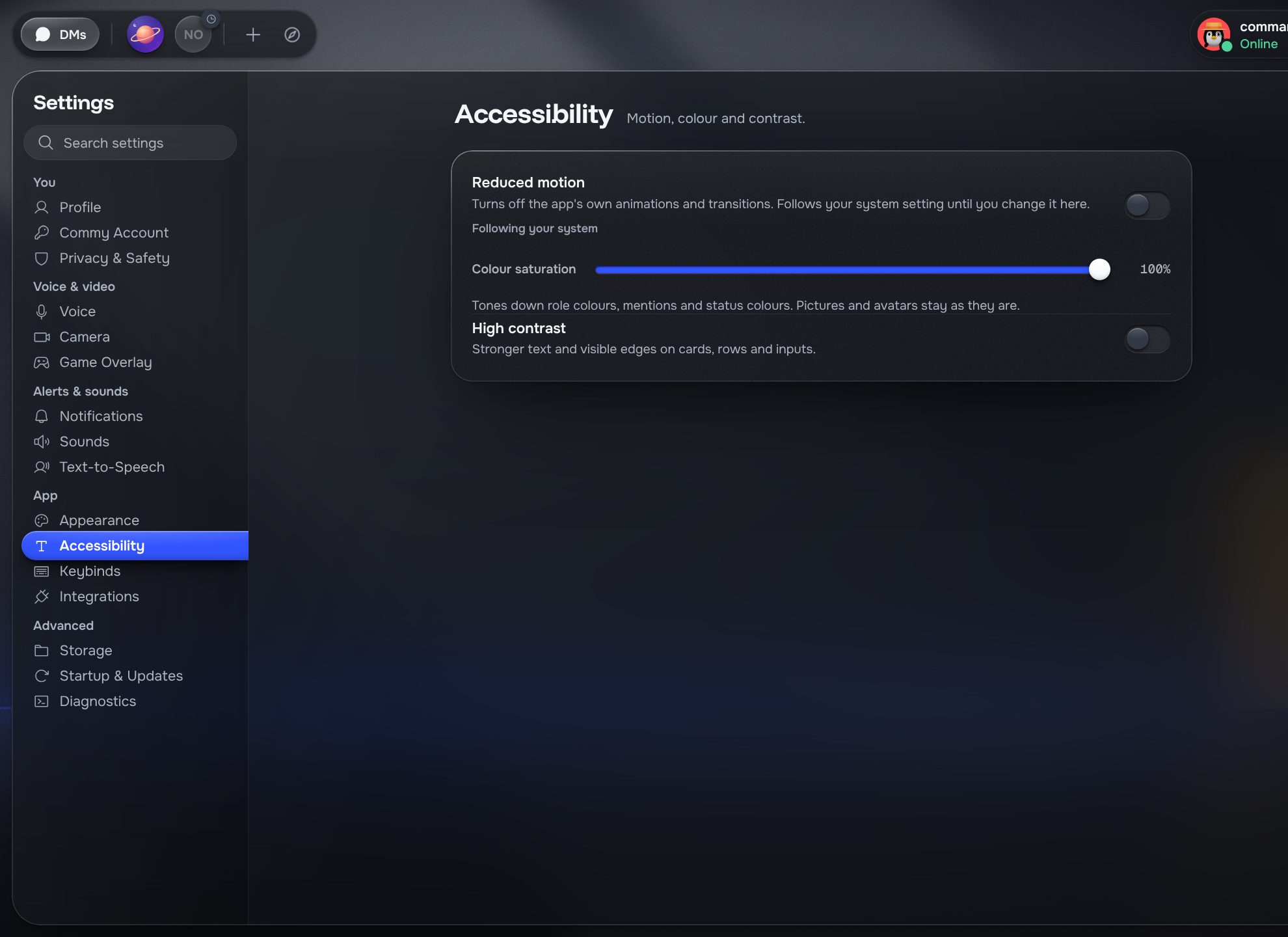
- Reduced motion turns off the app's own animations, moving text effects, avatar borders and card effects included. It follows your system setting until you change it.
- Colour saturation tones down role, mention and status colours.
- High contrast gives stronger text and visible edges.
These settings belong to each device.
Keybinds
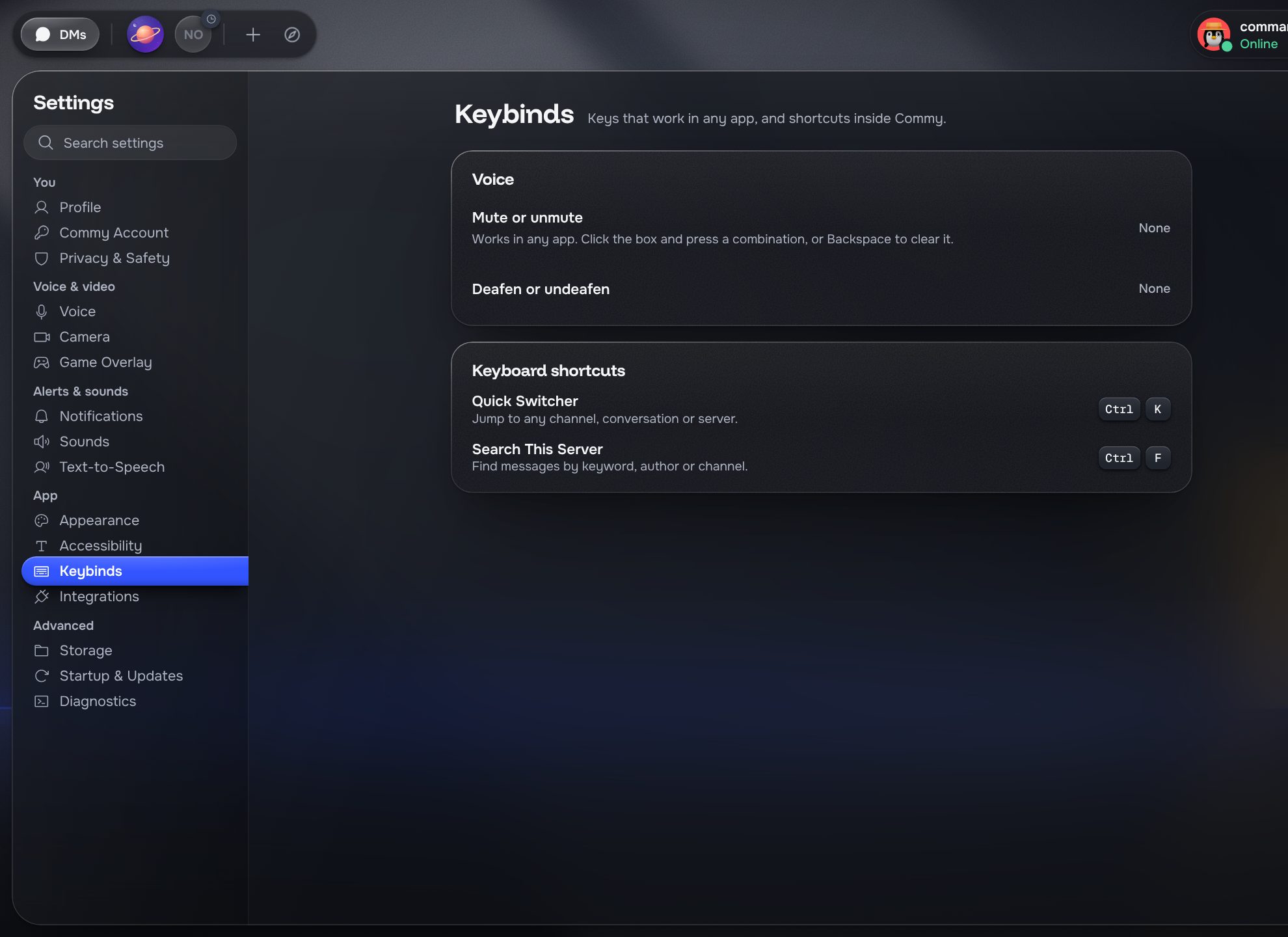
On the desktop, set hotkeys that mute or deafen from any app: click the box and press a combination, or press Backspace to clear it. The page also lists Commy's keyboard shortcuts, such as Ctrl+K for the quick switcher and Ctrl+F to search a server.
Privacy & Safety
See Direct messages and friends for who can message you, and Profile, status and presence for who can see your profile and your activity. This page also holds link previews, trusted sites, age-restricted channel confirmations and your list of blocked people.
- Add previews to links I send makes your app read the link's title, description and picture and send them with your message, so the people who see it never contact that site.
- Show link previews shows the cards that come with other people's links.
- Trusted sites lists the sites you chose to open without the Leaving Commy check, see Messages and chat.
- Reset age-restricted confirmations makes every age-restricted channel ask again before it shows anything on this device.
Storage
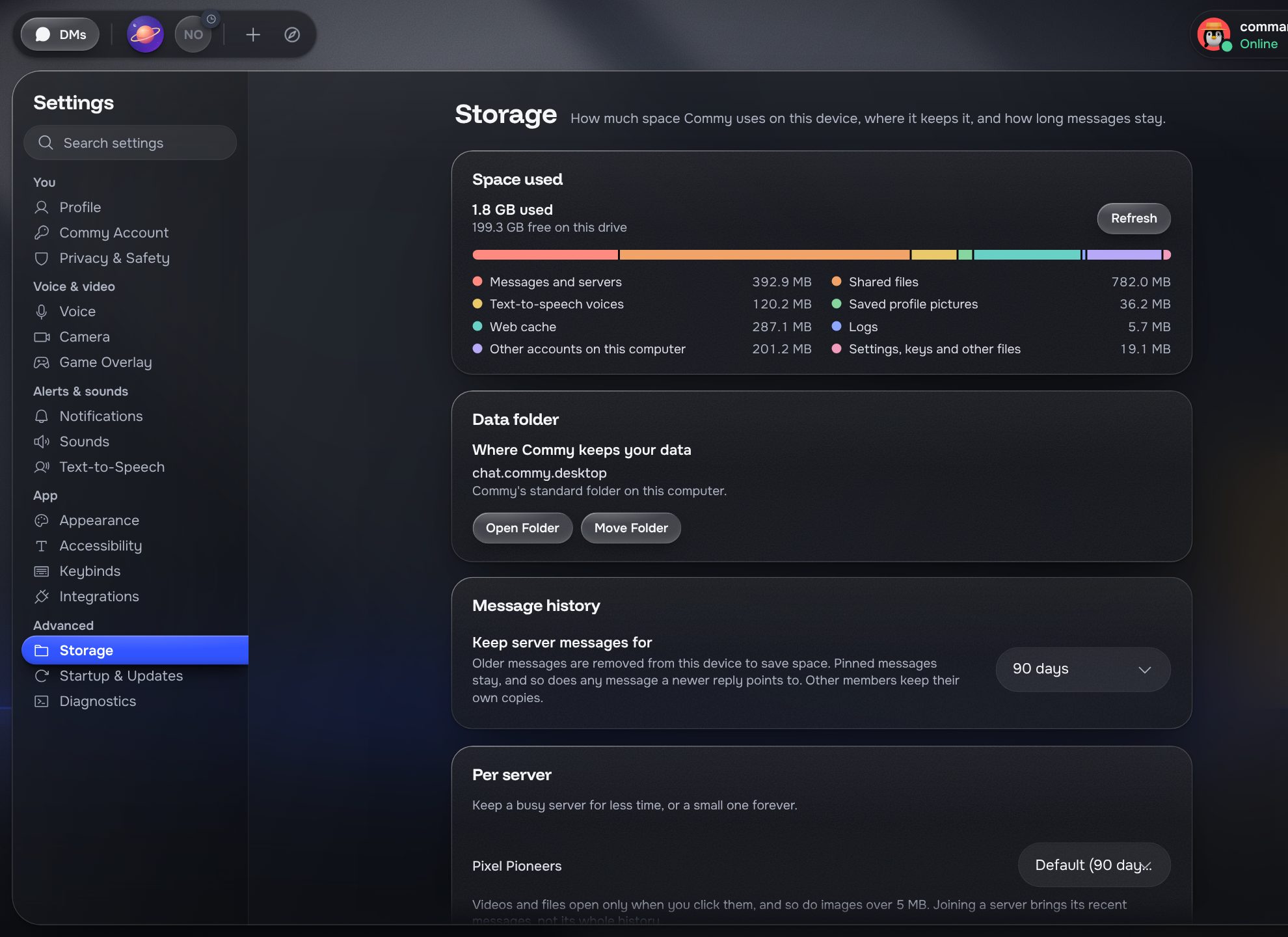
- Space Used shows how much room Commy takes on this computer and what it is made of: messages and servers, shared files, text to speech voices, saved profile pictures, the web cache, other accounts on this computer, and settings and keys.
- Data Folder on the desktop shows where Commy keeps your data, with Open Folder and Move Folder. Moving closes Commy, copies everything to the new folder, checks every file and opens again from there. The old copy is removed only once the new one checks out, so nothing is lost if something goes wrong. Use Standard Folder moves it back.
- Files for Others has Keep files members post. While Commy is open, files up to this size that members post are kept on your computer so they still load when the sender is offline: Off, up to 10 MB, 25 MB (the default) or 100 MB, with no more than 2 GB of other people's files, each removed after 30 days. On a phone, a Rolling file cache of up to 500 MB does the same for files you send, open or download. See Files and drives.
- Clear Cache removes saved profile pictures, older logs and the web cache. They come back on their own as you use Commy, and your messages and settings stay.
- Clear All Data removes everything Commy keeps on this computer, including files you share or keep for others, and signs you out. Your Commy account itself stays.
Under Message History, choose how long Commy keeps server messages on this device: 30 days, 90 days, 6 months, 1 year or forever. Older messages are removed from the device to save space, pinned messages stay, and so does any message a newer reply points to. You can set a different time for each server. Videos and files download only when you click them, and so do images over 5 MB. How long files you send stay available is in Files and drives.
Integrations
- GIFs choose the provider, KLIPY or GIPHY. GIF search works through your Commy account without a key, and you can add a key of your own that stays on this device.
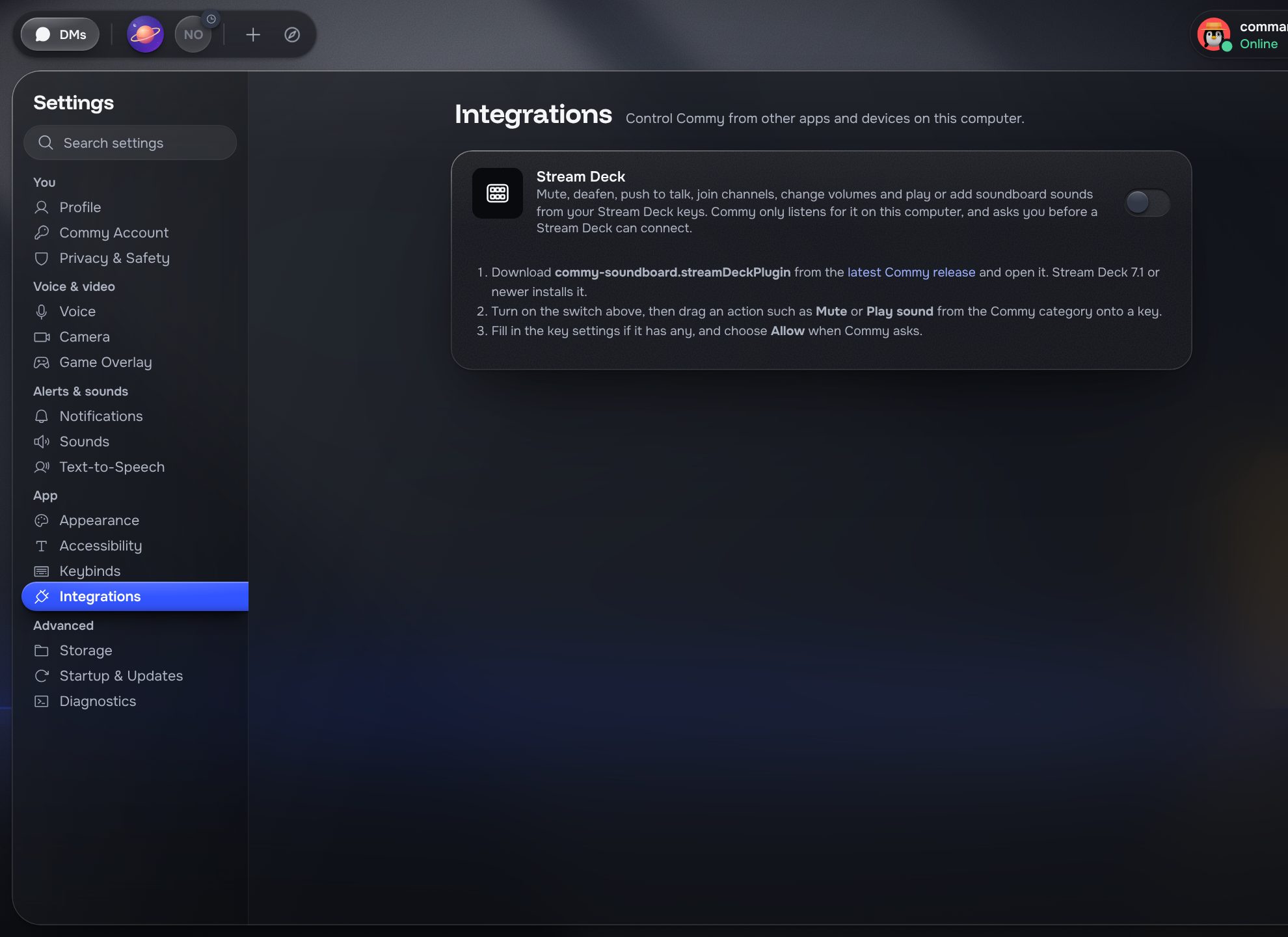
- Stream Deck controls Commy from your Stream Deck keys, see Desktop extras.
- IGDB powers game search with cover art when tagging servers and the cover for the game you are playing. It is built in through your Commy account, and you only add credentials if your account server does not offer it.
Diagnostics
When something is not working, this page helps you find out why.
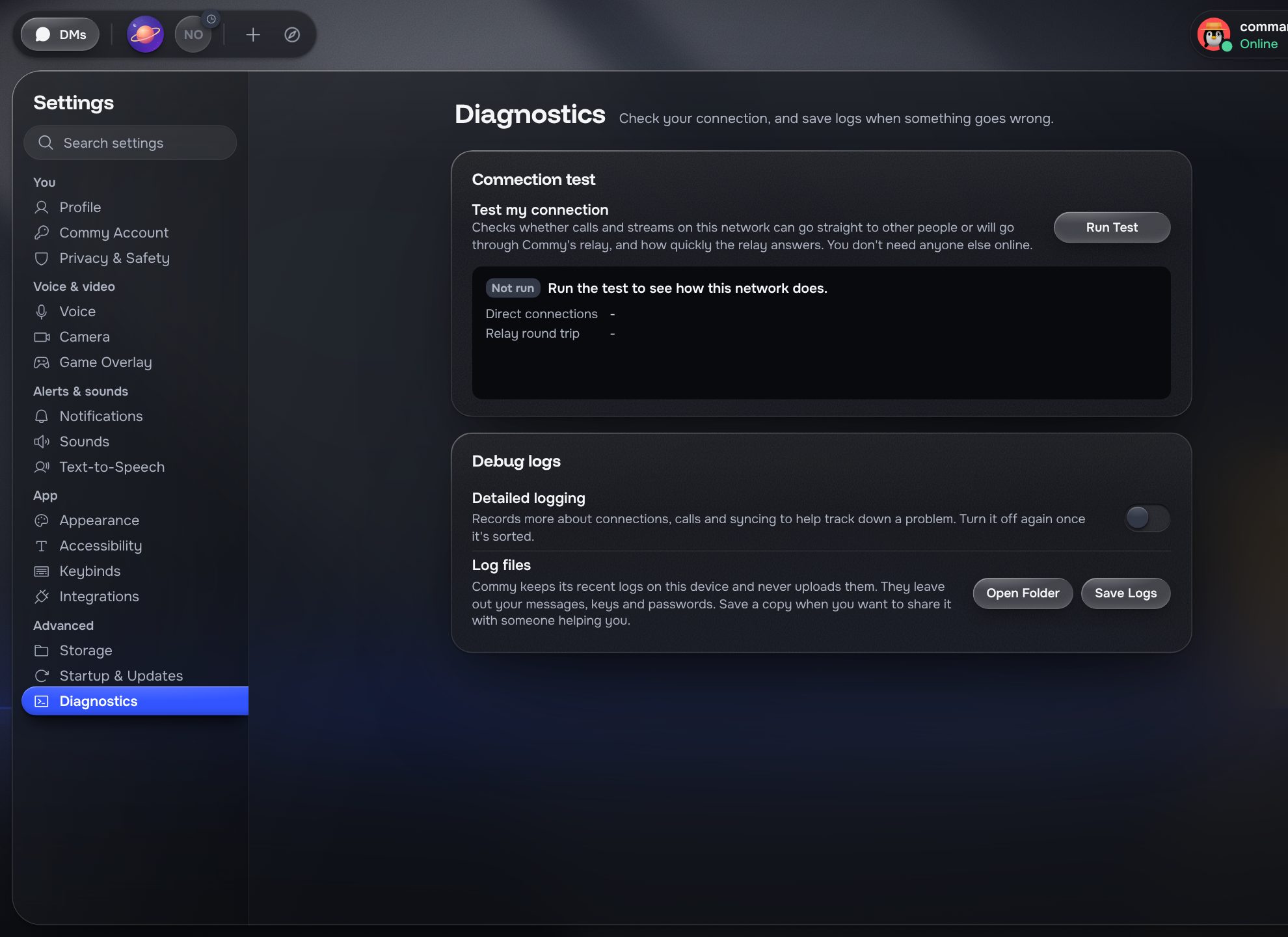
- Test my connection checks whether calls and streams on your network can go straight to other people or will take another route, and how quickly that route answers. It works even with nobody else online, and grades the result Good, Fair, Poor or Offline in plain words.
- Detailed logging records more about connections, calls and syncing to help track down a problem. Turn it off again once it is sorted.
- Log files are kept on your device and never uploaded. Passwords, keys and your home folder are left out of them. Save Logs writes a copy you can share with someone helping you, and Open Folder shows where they are.
Where it works
- Desktop: every page.
- Phone and tablet: every page except Game Overlay, Keybinds and Startup & Updates, and without the app icon and tray icon on Appearance or the data folder and Clear Data on Storage. Text-to-Speech is in the desktop app.
- Browser: Profile, Commy Account, Privacy & Safety, Voice (devices, volumes, mic test and voice processing), Notifications, Sounds, Text-to-Speech, Appearance, Accessibility and the connection test on Diagnostics, which explains that a browser always uses the relay route. Pages and settings that need an installed app are hidden. Appearance and Accessibility are kept on this device and survive a reload.