 Commy
Notifications and sounds
Your defaults
Open Settings, then Notifications.
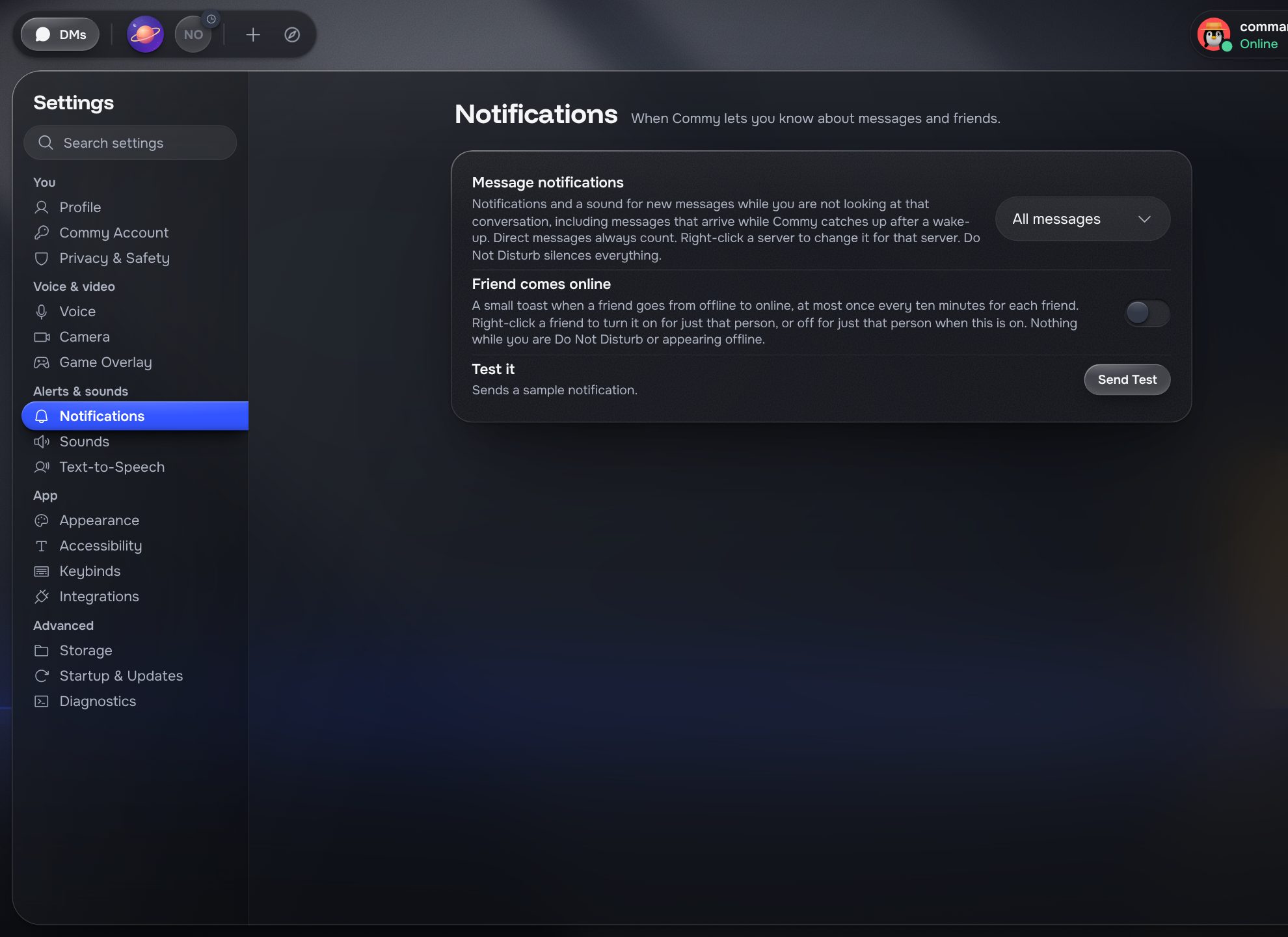
- Desktop notifications choose what pops up and plays a sound for messages in conversations you are not looking at: All messages, Mentions and DMs, or Nothing. Direct messages always count.
- Friend comes online shows a small toast when a friend goes from offline to online, at most once every ten minutes for each friend. Right click a friend to turn it on or off for just that person. It stays quiet while you are Do Not Disturb or appearing offline.
- Test it sends a sample notification so you can check it works.
Do Not Disturb silences everything. Set it from your status menu, see Profile, status and presence.
Per server
Right click a server icon, or open the server menu, to set that server on its own.
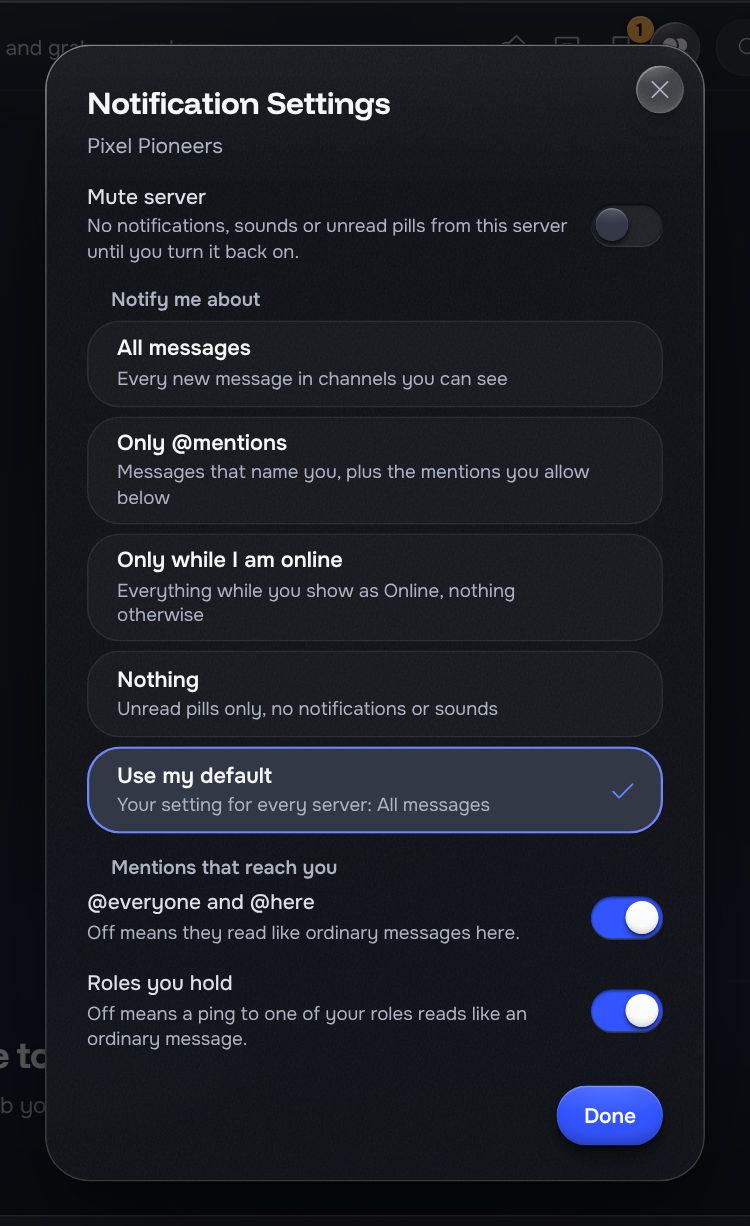
- Mute server turns off notifications, sounds and unread pills from the server until you turn it back on.
- Notify me about is All messages, Only @mentions, Only while I am online, Nothing, or Use my default.
- Mentions that reach you lets you ignore
@everyoneand@here, and pings to roles you hold.
Each channel can have its own level or a timed mute as well, from its right click menu.
Sounds
Settings, Sounds decides what Commy sounds like.
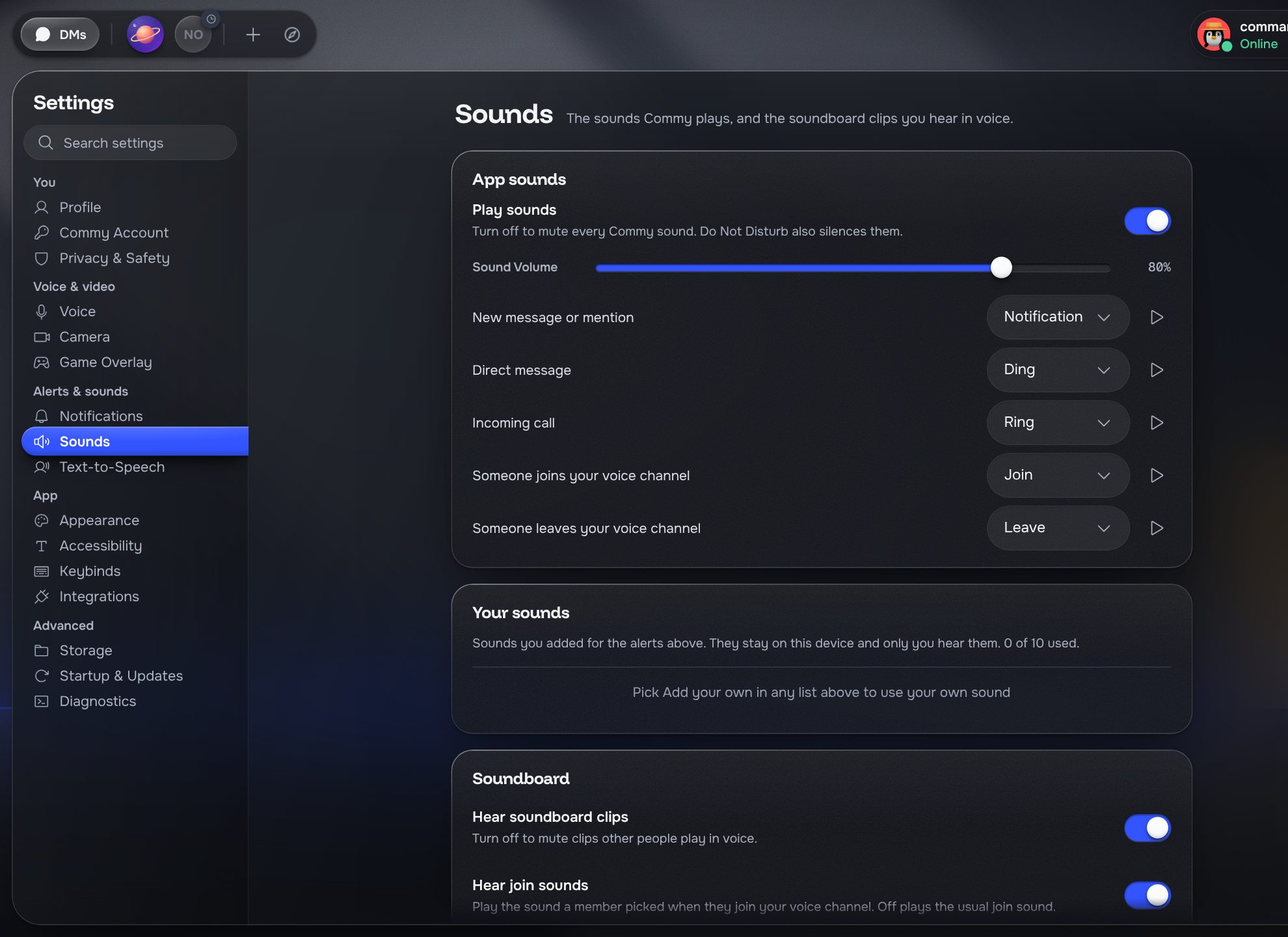
- App Sounds turns all Commy sounds on or off, sets their volume and picks a sound for each event: a new message or mention, a direct message, an Incoming call ringtone, and someone joining or leaving your voice channel.
- Add your own in any of those lists picks an audio file from your computer and trims it in the same window the soundboard uses. Your own sounds stay on this device, only you hear them, and Your Sounds lists them with a preview and a delete button. You can keep up to ten.
- Soundboard lets you stop hearing clips other people play in voice, stop hearing members' join sounds, and set their volume.
Text to speech
Settings, Text-to-Speech reads messages aloud in the voice you pick.
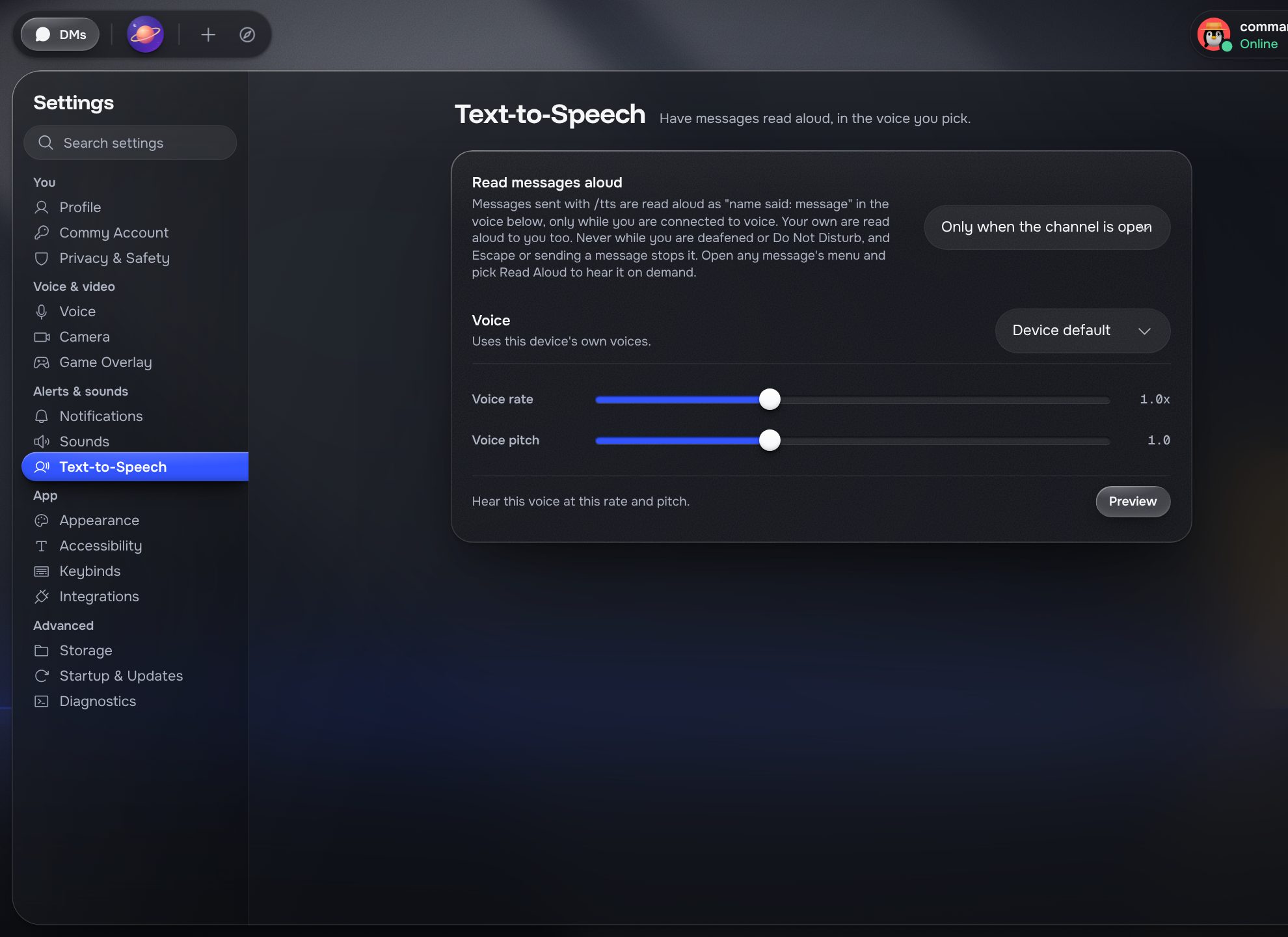
- Read messages aloud reads messages sent with
/ttsas "name said: message", only while you are connected to voice. Choose Never, Only when the channel is open or All channels. Your own/ttsmessages are read to you too. It never speaks while you are deafened or Do Not Disturb, and Escape or sending a message stops it. - Voice picks who reads. Commy comes with nine voices that run on your device: Kristin, LJ, Norman and John (English, US), Cori and Alba (English, UK), Thorsten (German), Siwis (French) and Davefx (Spanish). A voice downloads once the first time you pick it and then works offline. Your computer's own voices are there too.
- Voice rate and Voice pitch change how fast and how high it speaks, and Preview lets you hear it.
Speech plays through the speakers or headset you chose for calls, at your output volume. Any message's menu also has Read Aloud to hear it on demand. A server can switch /tts off for everyone, see Moderation.
Unread markers
Channels with new messages show unread markers in the list, and a red NEW line marks where you left off inside a channel. Read positions follow you between your devices.
Keep running in the background
On the desktop app, closing the window can keep Commy running in the system tray so messages, notifications and calls keep arriving, and Commy can start with your computer. Both are switches in Settings, Startup & Updates. See Desktop extras.
Where it works
- Desktop: everything on this page.
- Phone and tablet: everything on this page except text to speech and the tray and start with your computer switches, which are in the desktop app. Messages, mentions and direct messages your settings allow reach your phone as a notification even while Commy is in the background, whether they were sent from the desktop, a phone or the browser.
- Browser: notifications for messages, direct messages and friends use your browser's own notifications and follow the same settings, including
@everyone,@hereand role mentions and each server's mention switches. Messages from age-restricted channels show without their text. The browser asks once for permission, on your first click after your servers open, and shows notifications only while a Commy tab is open and in the background. Clicking one opens that channel or conversation. Text to speech uses your browser's voices.